Starlink on a boat in Malta: what works and how to fit it
Which Starlink plan and dish suit a boat in Malta, where it mounts, what it draws from the batteries, and what it lets an owner abroad keep an eye on.
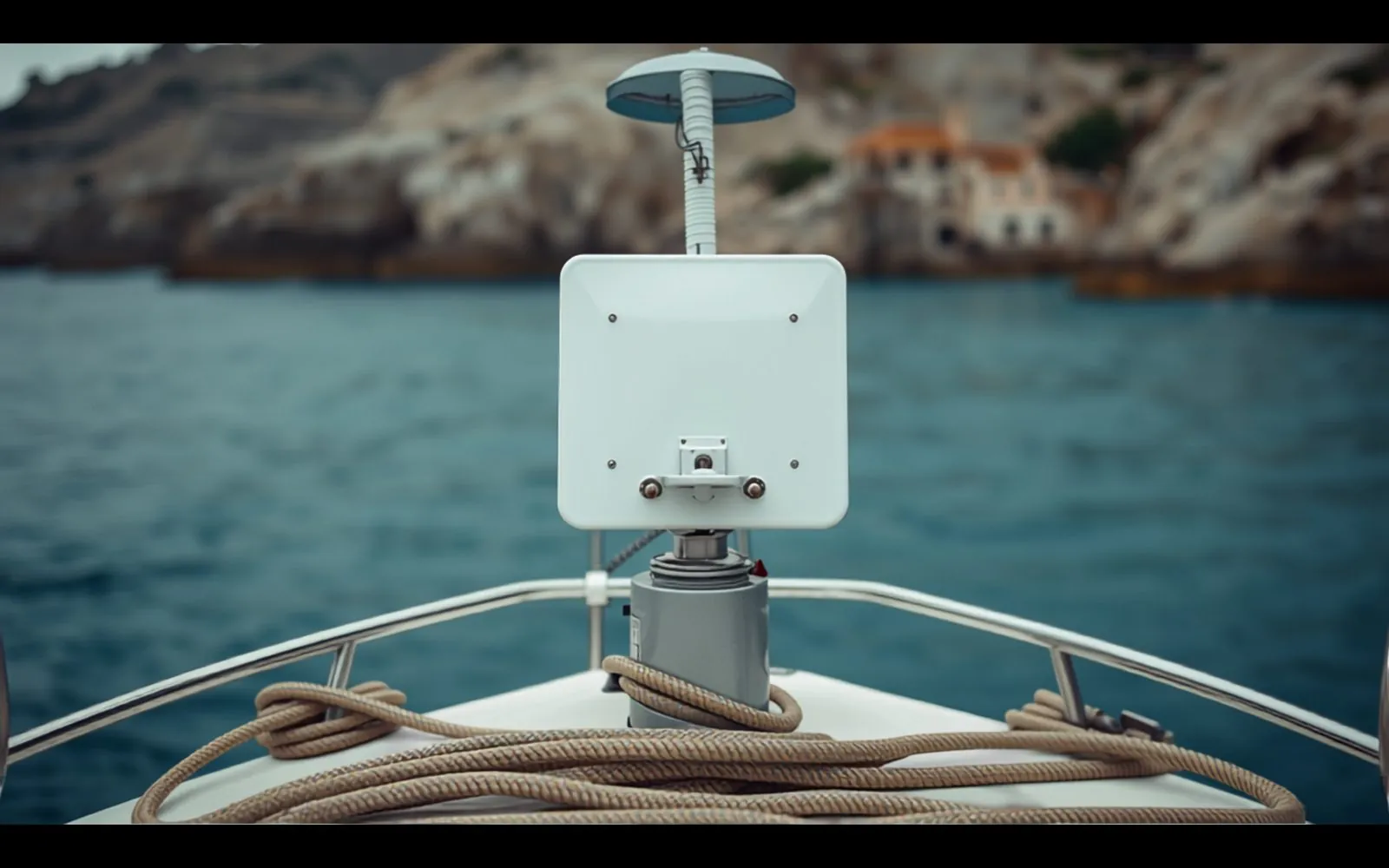
Starlink is satellite internet from a flat dish with no moving parts. On a boat it gives you a proper connection at anchor off Comino, on passage to Sicily, and at a berth where the marina Wi-Fi does not reach. It is available in Malta, and fitting one is now an ordinary job.
The dish is the easy part. What goes wrong is around it: where it sits, how it is powered, and where the cable goes through the deck.
In short
- Coastal and island cruising needs a Roam plan. Regular open-sea passages need a Maritime plan.
- Mount the dish with a clear view of the sky, out of the radar beam and clear of the boom.
- Size the power draw against your battery bank before you fit it, not after.
Which plan: coastal waters or open sea
Starlink changes its plans often, so we give the categories here and leave the names and prices to Starlink.
Roam plans are the travel plans. Starlink says any Roam plan can be used on a boat in coastal and inland waters. Some come with a monthly data allowance and one is unlimited. They can be put on standby, for a small fee, when the boat is laid up. Use in motion is supported in selected areas, so read the terms for where you sail. See Starlink Roam for Malta.
Maritime plans are for frequent or extended travel on the open sea. They are sold as blocks of priority data and are aimed mainly at commercial vessels. See Starlink Maritime.
For a boat that lives in Malta and cruises to Gozo and Comino, a Roam plan is the starting point. Check Starlink’s current terms before a crossing to Sicily: Roam covers coastal waters, and open-sea coverage is an option on top.
Which dish: three kinds of hardware
At the time of writing Starlink sells three kinds of dish that end up on boats. The figures below are from Starlink’s specification sheets.
- Mini. About 30 by 26 cm, with the Wi-Fi router built in. It runs straight from a boat’s 12 or 24 V batteries (it accepts 12 to 48 V DC) and averages 25 to 40 W. It is the natural choice for a sailing boat or a small motor boat.
- Standard. A larger panel with a separate router and a mains power supply. It averages 75 to 100 W. It is the dish Starlink sells for homes.
- Performance. A metal-cased dish built for permanent mounting and for use under way, with a wider view of the sky. Its power supply accepts mains or DC. It also averages 75 to 100 W. This is the dish Starlink shows with its Maritime plans.
None of them moves to track satellites. They steer electronically, but each needs a clear view of the sky.
Where it mounts: motor yacht and sailing boat
The rule is the same for both: as much open sky as possible, a solid fixing, and a cable run you can reach. Starlink’s app helps you choose the spot: it shows what the dish can see from there before you drill anything.
On a motor yacht the hardtop or the radar arch is the usual place. Keep the dish outside the radar’s beam, which means above or below the scanner and not level with it, and clear of the VHF and GPS aerials.
On a sailing boat the masthead is the wrong place: too much motion and a long cable. A pole or arch at the stern works. So does a bracket on the pushpit, the rail around the stern. The dish must be clear of the boom’s swing, and the mast and backstay should take as little of its view as possible.
Power: what it draws from the batteries
On shore power the draw does not matter. At anchor it does.
The arithmetic is simple. A dish averaging 75 to 100 W, left on round the clock, uses about 150 to 200 amp-hours (Ah, the unit of battery capacity) a day from a 12 V battery bank. That is a serious load for a cruising boat. A Mini averaging 25 to 40 W uses about 50 to 80 amp-hours a day.
How it is powered matters as well. Running a mains power supply from the inverter (the box that makes mains power from the batteries) works, but the inverter wastes some power and has to stay on all day. A dish that takes DC directly, or a proper DC conversion, avoids that. Either way it needs its own fused circuit and a switch you can reach.
Before fitting, add the dish to the boat’s daily power budget and see whether the batteries, solar and alternator still keep up. If they do not, the dish goes on a timer or the bank grows.
Cable and deck gland: where the leaks start
- Through the deck. Use a cable gland, a fitting that seals a cable where it passes through a surface, sized for the cable and bedded in marine sealant. Starlink’s cable has moulded plugs, so choose a gland that lets the plug through rather than cutting the cable.
- Seal the hole itself. If the deck has a core, seal the edge of the hole before the gland goes on, so water cannot soak into it.
- Drip loop. Let the cable dip below the gland before it rises to it, so water runs off the bottom of the loop and not into the fitting.
- The run inside. Support the cable every few hundred millimetres, keep bends gentle, and keep it away from the engine and from anything that chafes.
What changes at the berth
In the marina the boat is on shore power, so the dish can stay on. Neighbouring masts, flybridges and harbour walls can block part of the sky, so check the view in the app at the berth as well as at anchor. If the plan has a data allowance, anything that uploads all day will use it.
At a berth with good mobile signal, a mobile-data router does the monitoring job on less power. Starlink earns its place once you leave that signal behind.
What it gives an owner abroad
A boat with its own connection can tell you things between visits.
- Cameras in the cockpit and saloon, so you can see the boat after a gale.
- A bilge alarm that sends a message when the water level rises or the pump runs too often.
- Battery and shore-power monitoring, so you know within minutes if the pedestal has tripped and the charger is off.
An alert is only useful if someone can act on it. That is the other half of the arrangement: a person on the island who can be at the boat. For our care plan customers that is us. A call-out to look at a problem counts as one of the month’s care visits, and it comes with a dated photo report.
We fit Starlink mounts, power and cabling as part of our marine electrics work. If the batteries are the weak point, read why boat batteries die in the heat first.
Need this done on your boat?
Marine electrics
Starlink mounted, cabled and powered properly.
